 Scriptaoke
How it works
How It Works
Scriptaoke is a scrolling prompter for live script reading: like an audiobook where you and your guests provide the voices. Choose a script, assign parts, and start.
The prompter
Your lines appear on screen as it’s your turn to speak. No script in hand, no page-flipping, no losing your place. The text comes to you, formatted and flowing, at whatever pace suits the room.
- Active lines highlighted as they arrive
- Stage directions displayed in a distinct style
- Scene and act markers visible throughout
Visual themes
Five reading environments, each with its own atmosphere. Switch between them at any time.
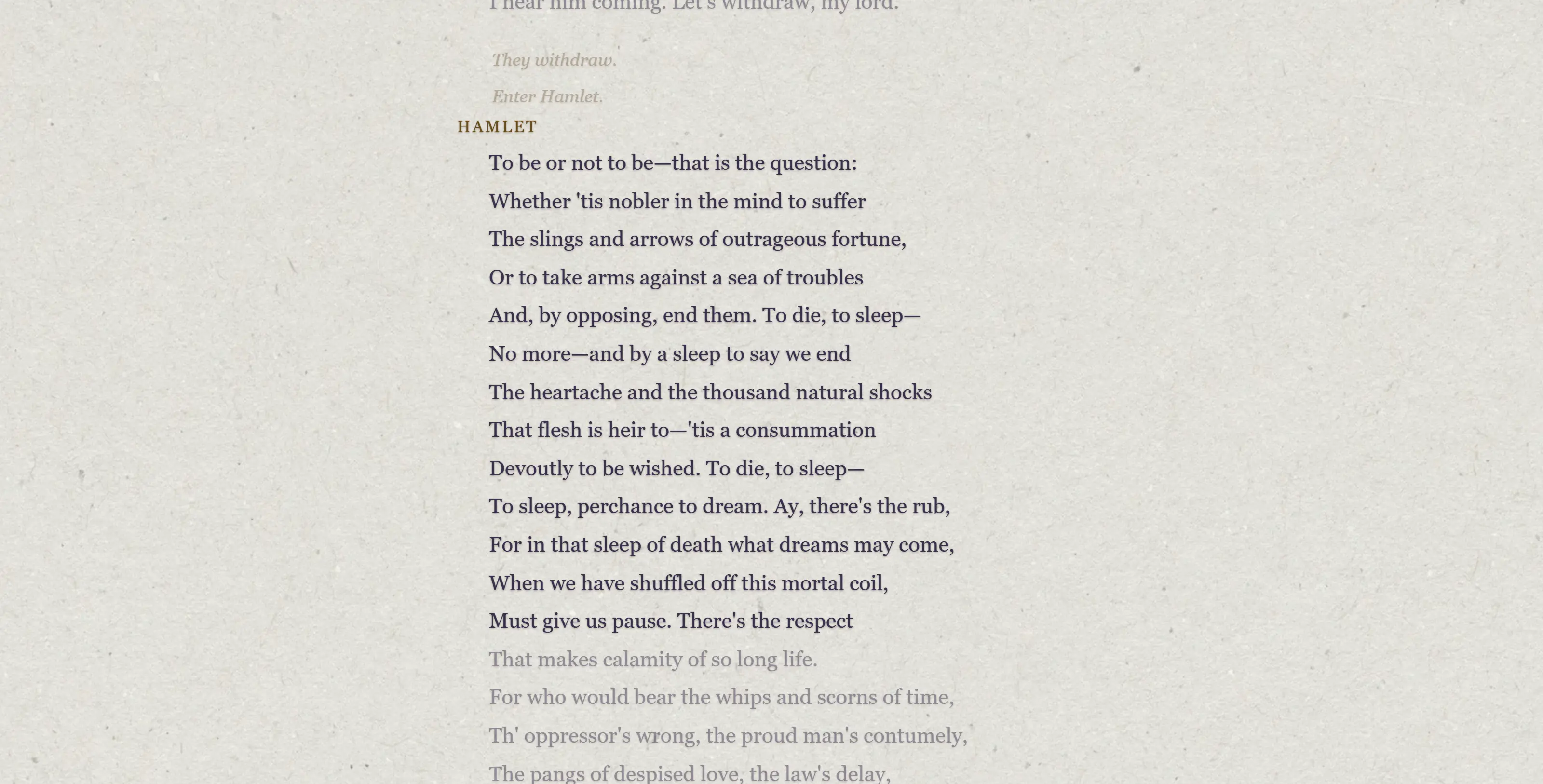
Manuscript: cream parchment and daylight. Calm, unhurried, like reading from a well-loved copy.
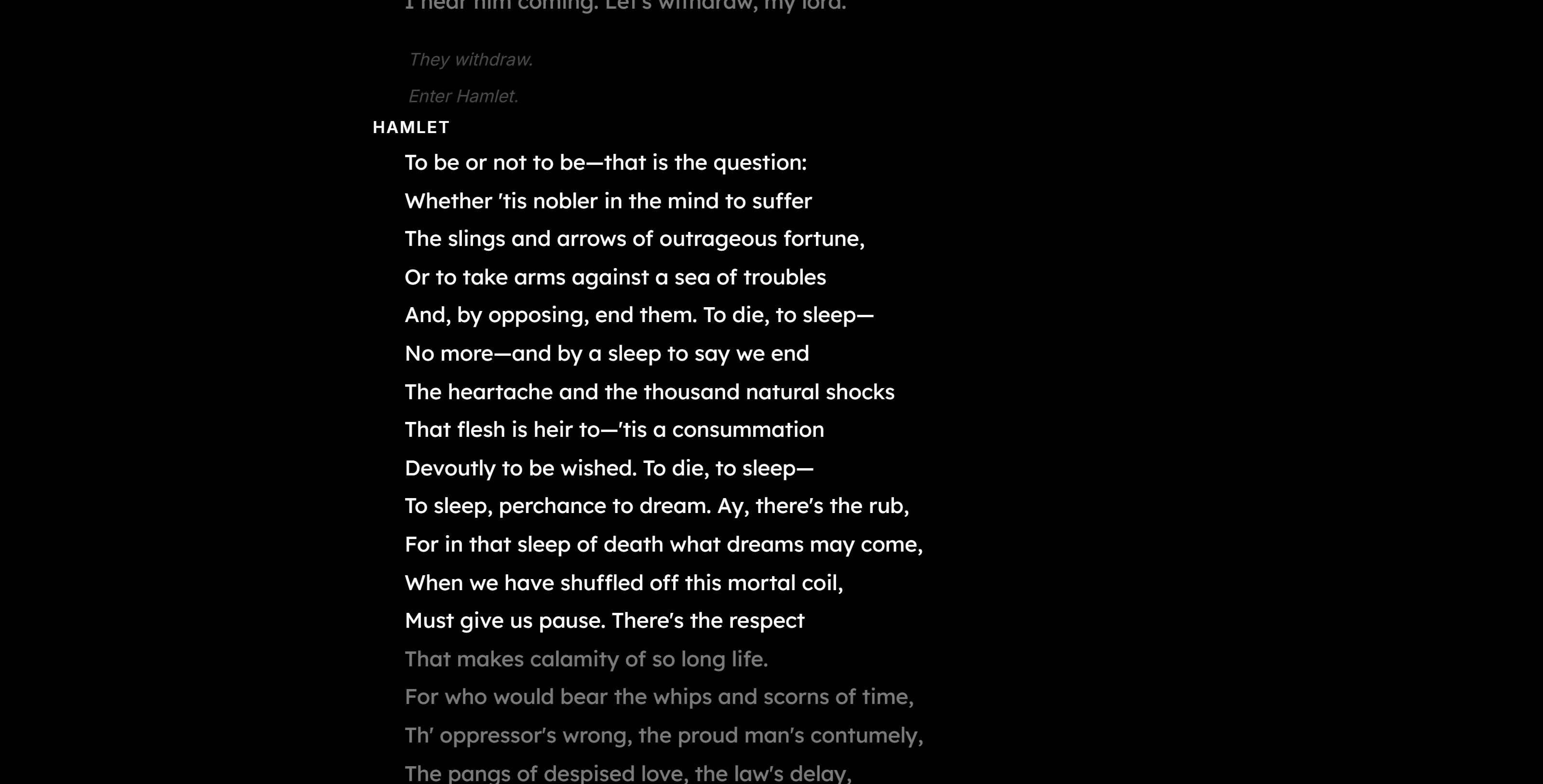
Prompter: clean white on black, high contrast, maximum legibility. When the text is all that matters.
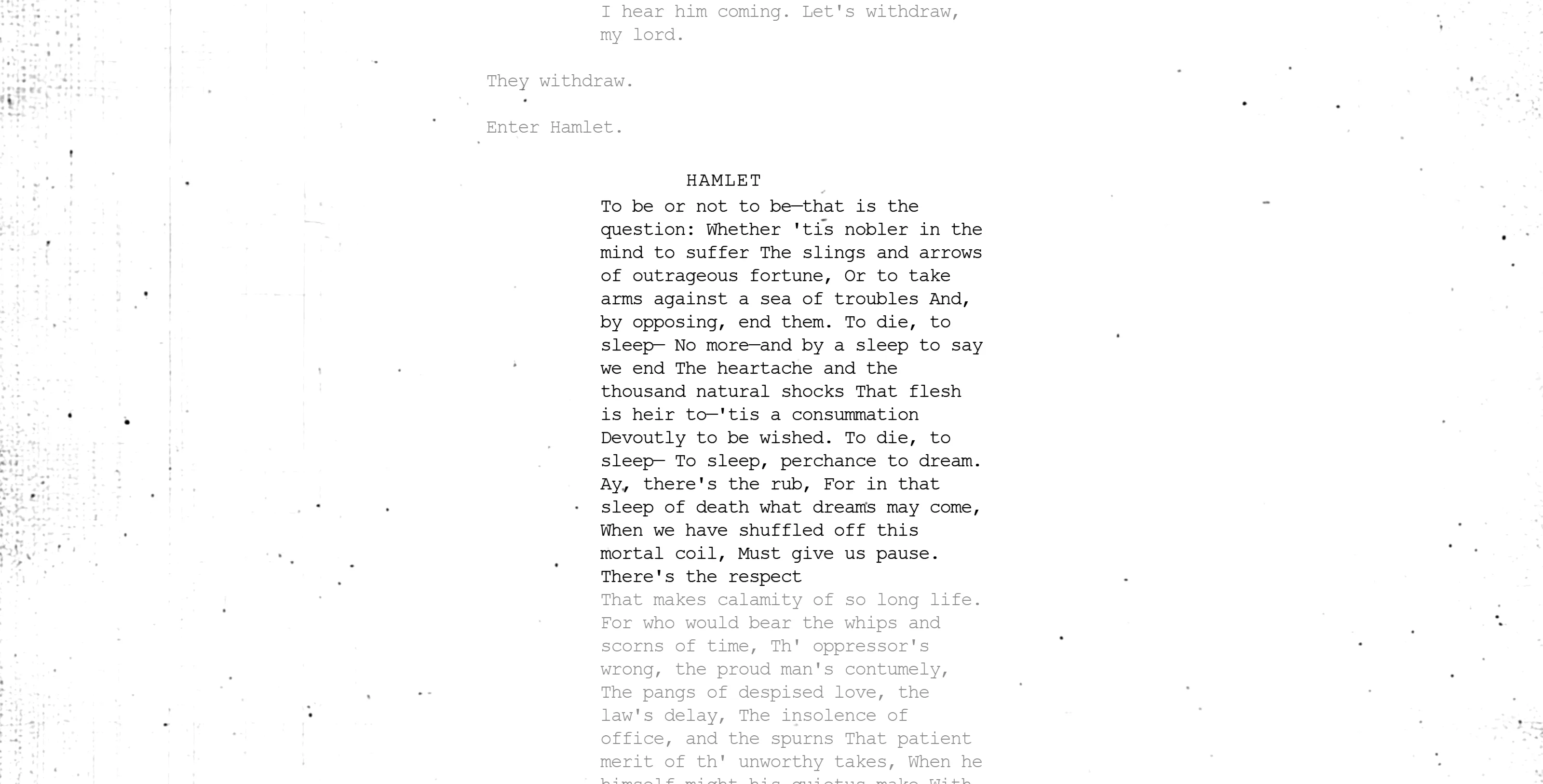
Screenplay: photocopy texture, Courier typeface, Hollywood margins. For scripts that want to feel like screenplays.
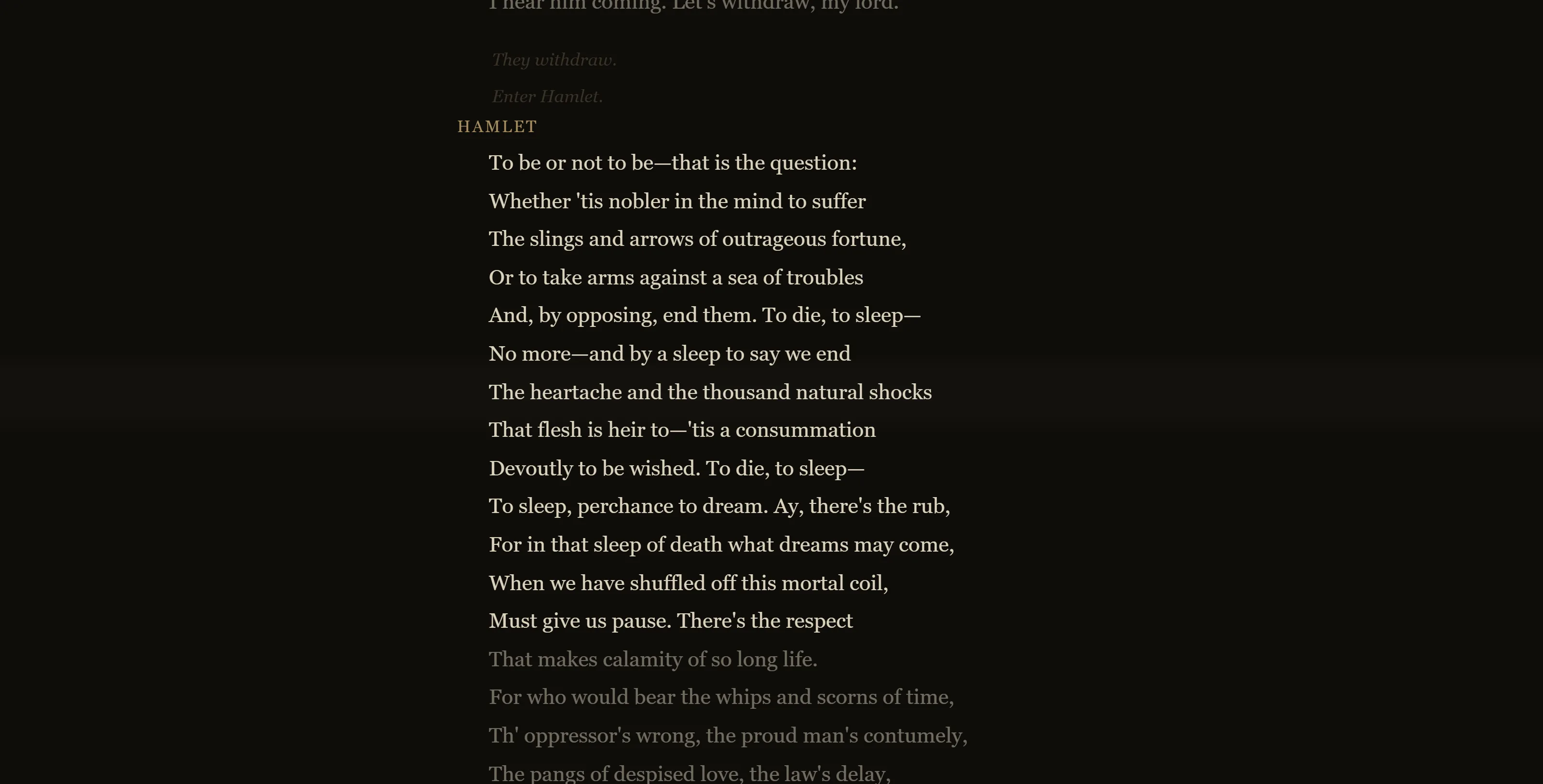
Folio Dark: deep brown canvas, warm cream lettering. Candlelit and grand; where the old plays feel at home.
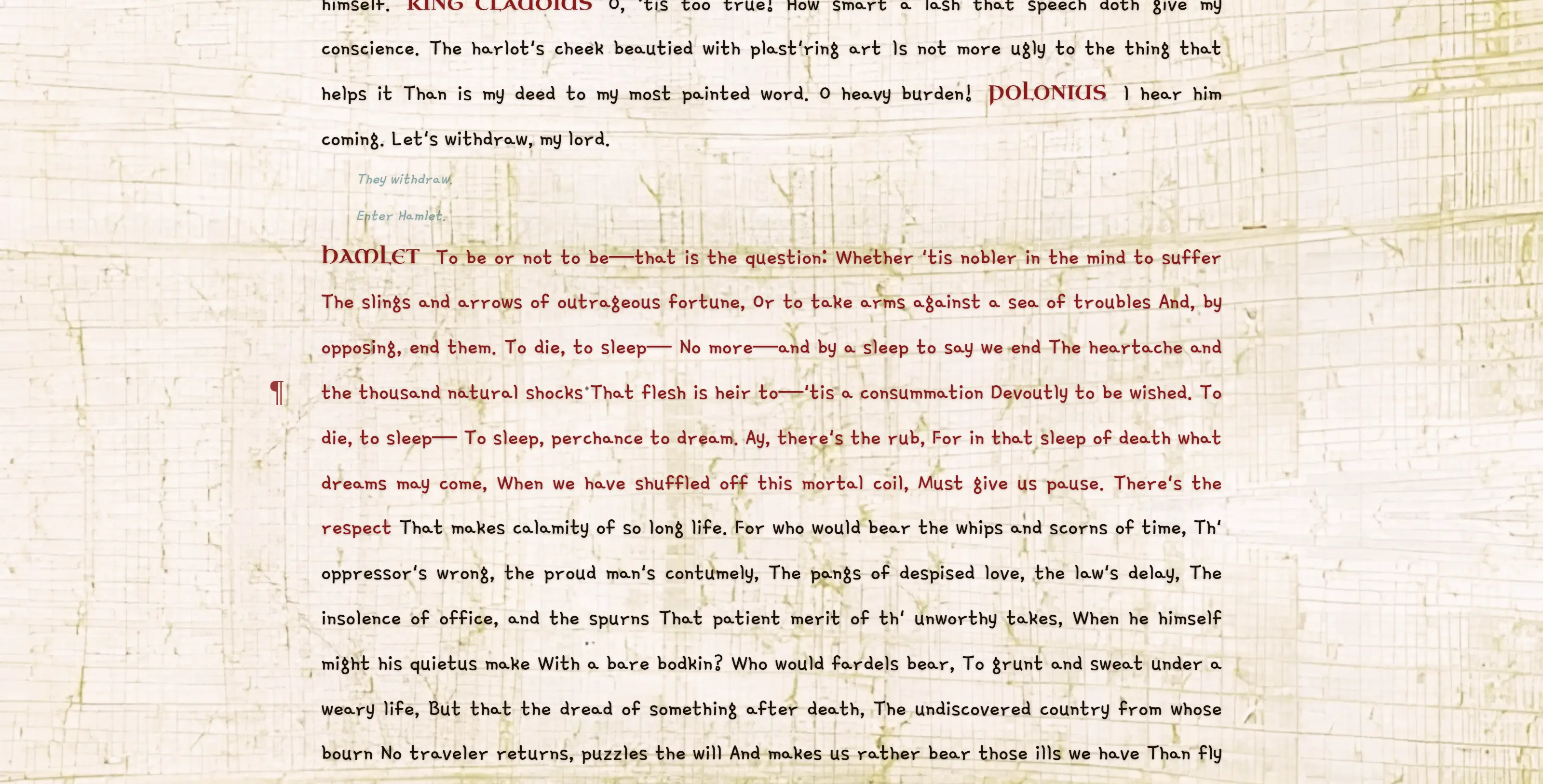
Papyrus: aged fibrous paper, ancient letterforms. For myth, fable, and anything that calls for a DnD vibe.
Playback controls
Full control without breaking the flow of the session.
- Play, pause, rewind, skip forward
- Speed control, from slow study pace to performance tempo
- Fullscreen mode: strip back the UI, nothing but the text
- Bookmark your position and resume exactly where you left off
- Four ways to move through the script: scroll wheel, forward/back buttons, scene dropdown menu, progress bar with scene markers
- In the settings (gear icon), toggle the text size: medium | large | larger
Quote capture
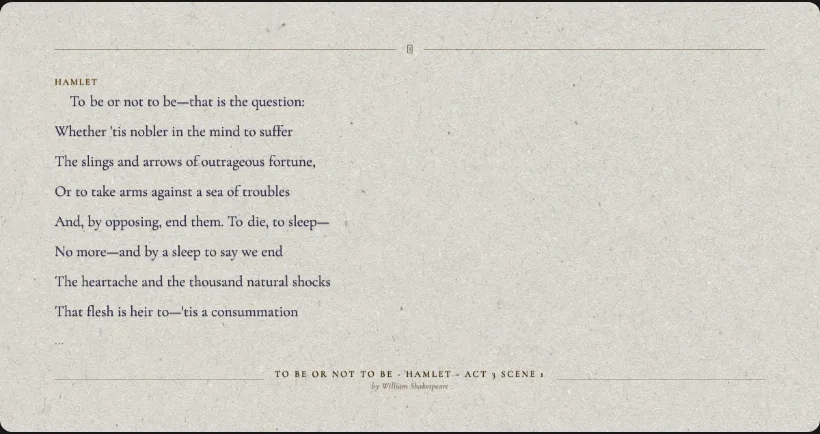
Save and share your favourite lines. Highlight any passage during a session and Scriptaoke saves it to your profile as a quote card: formatted, attributed to the script and author, and exportable as an image. All your saved quotes stay on your profile, so you can always find them again.
On mobile
The Scriptaoke prompter fits in your hand, and that turns out to open up some unexpected possibilities.
Read a bedtime story to your children without losing your place in the dark. Pull up a poem at a dinner party. Follow along in a classroom without being chained to a desk. Read Chekhov on the train.
The mobile experience is the same prompter, the same catalog, the same session. Just closer.
- Works on any smartphone browser, no app required
- Guests can join a group session from their phone
- Full catalog access on mobile


Listen mode
For anyone who wants to sharpen their reading aloud. Turn on Listen mode and Scriptaoke listens back. As you speak, words flash green when the app detects a match, giving you instant visual feedback on your accuracy and pace. Matches are recorded to your profile, turning each reading session into something closer to a game.
Good for language learners, drama students, public speaking practice, or anyone who wants a little more from their solo sessions.
Voice mode (coming soon)
Unassigned characters will be voiced by a synthesized reader, so the scene keeps moving even when your cast is short.
Features for groups
There are three ways to use Scriptaoke with a group:
- 1
Shared screen
everyone gathers around one screen, in a living room, classroom, or anywhere else. One device, one prompter, everyone reads.
- 2
Group session
everyone loads the script to their own phone or device in a web browser. The prompter is automatically synchronized. The host controls playback.
- 3
Zoom session
everyone joins a Zoom meeting. The host runs a prompter that’s visible to all participants inside the call.
Casting
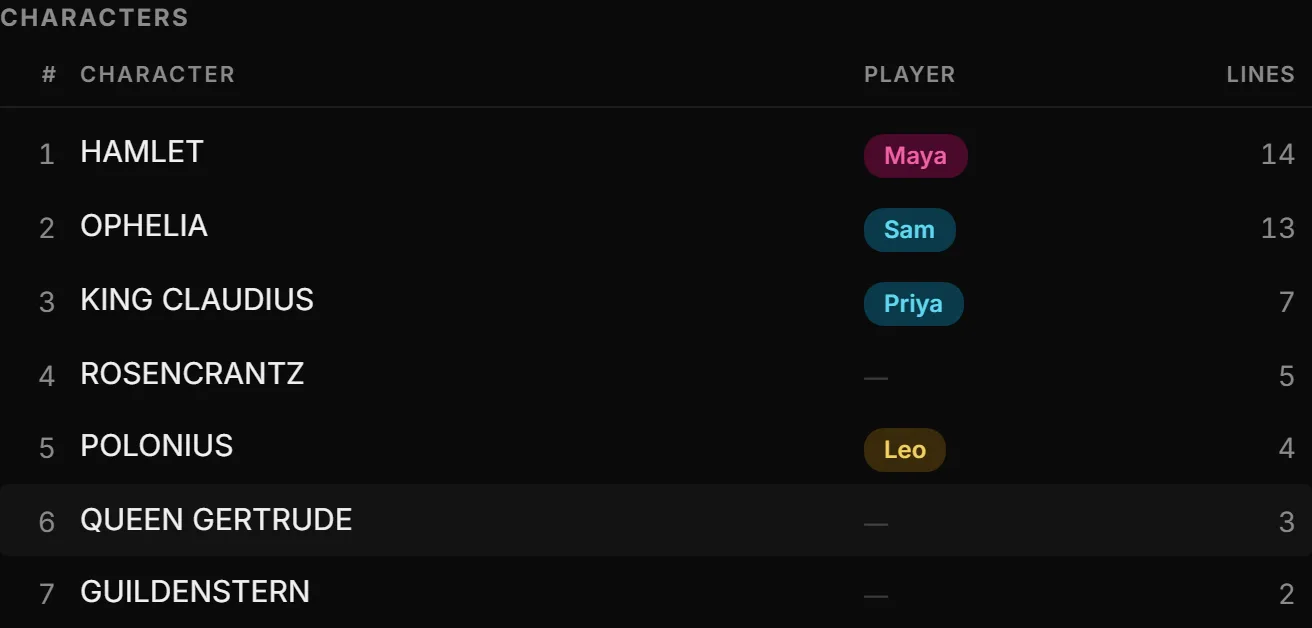
When you cast a session, your players’ names appear on the prompter next to the character they’re reading, a visual cue reminding them it’s their turn. Casting is entirely optional: playback works exactly the same whether you’ve assigned every part or none at all.
Before the session begins, the title screen displays the full casting for everyone to see, so there’s a natural moment to review and make any last changes before the reading starts.
- One player can take multiple parts
- Casting works the same on web and Zoom: slightly different interface, same logic
- Players don’t need a Scriptaoke account, only the host does
- Player names are used for display only and are not saved or tracked by the app
Group sessions
A Scriptaoke group session is a synchronized prompter running across multiple phones and devices, all in a web browser, no app required. Start performing a play together instantly, wherever you are.
From the script page, open the Group Session dialog, set your options, and generate a link and QR code. Share the link or let guests scan the code. On joining, each guest enters their name and, depending on the settings you’ve chosen, can adjust their own casting.
When the host presses play, every device shows the same prompter in sync.
- Three guest casting modes: host controls all casting / guests self-cast one role / guests self-cast freely
- No account required for guests
- Shareable link and QR code generated instantly
- Host controls: play, pause, speed, scene navigation

Scriptaoke + Zoom
The full Scriptaoke experience runs inside a Zoom meeting: prompter, casting, group controls, all without leaving the call.
Photography from Unsplash